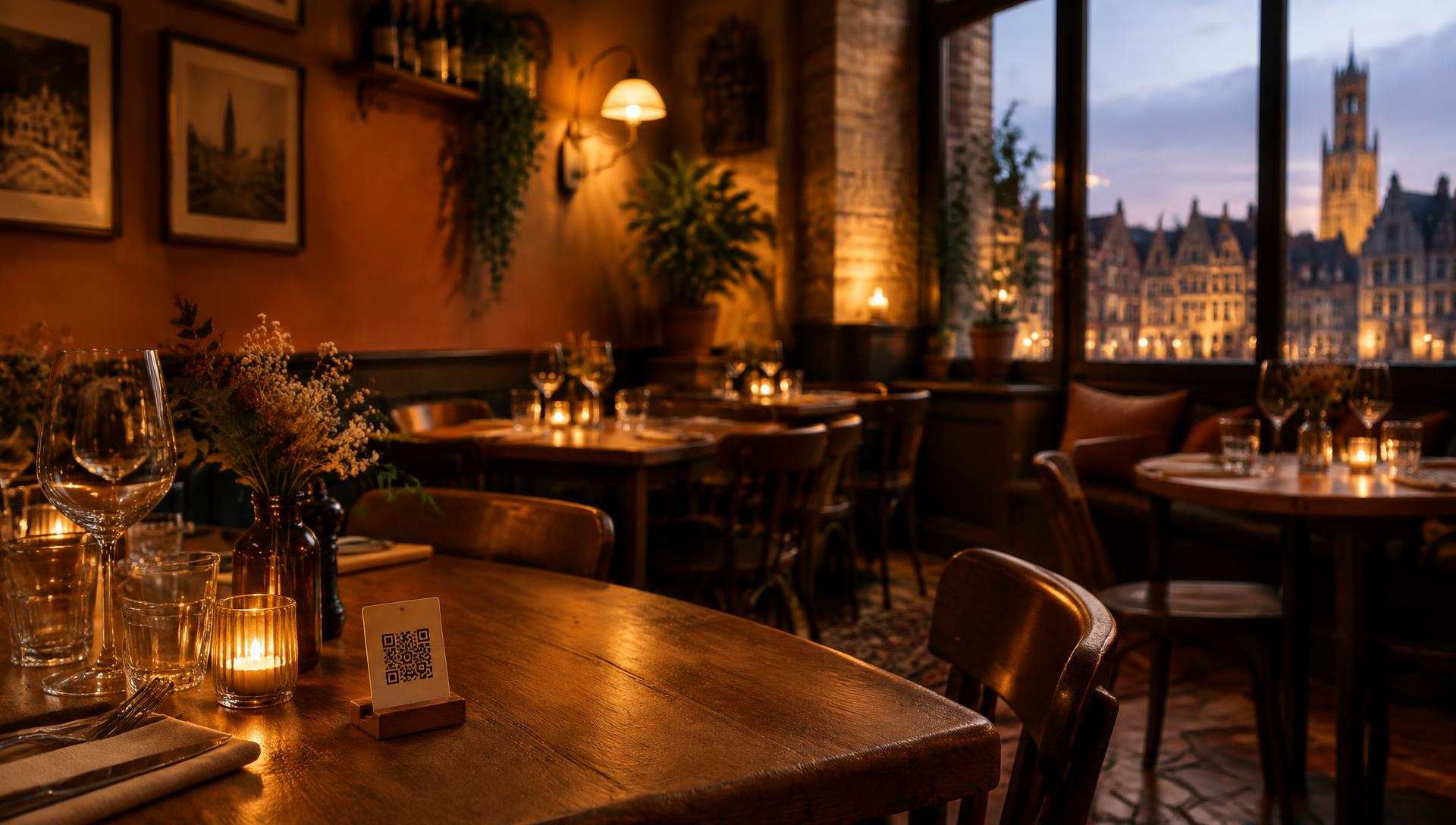

Table service, without raising your hand
The same menu. Your menu. One button makes the difference.
Cocktails
Elderflower Spritz
Limoncello Spritz
Mojito
Cocktails
Elderflower Spritz
Limoncello Spritz
Mojito

MenuPool places one simple service button over your existing online menu. Guests can easily get a waiter's attention with one tap; a notification reaches the waiter's smartwatch. Your team knows when to go to the table.
How it works
Three steps, that's all
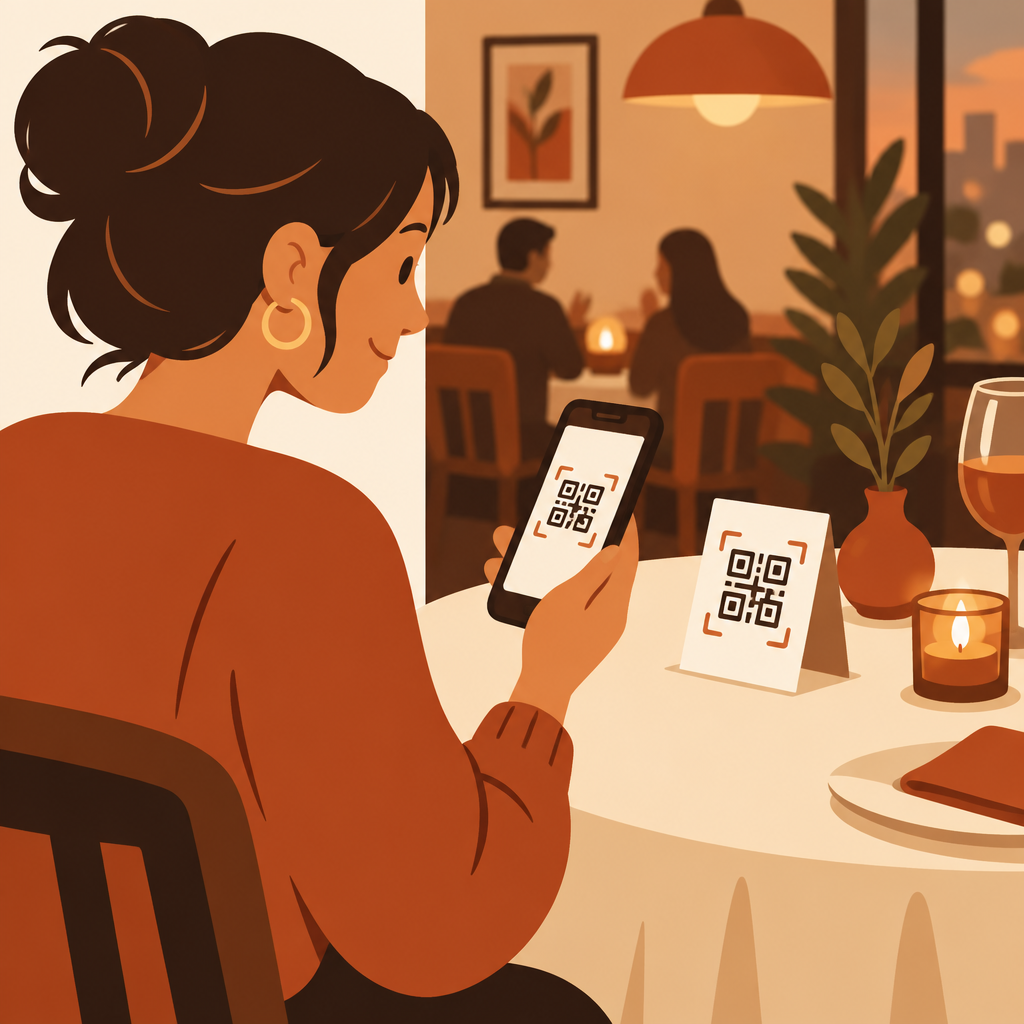
Scan
We help create professional QR codes for each table, opening your existing online menu. No app or guest account.
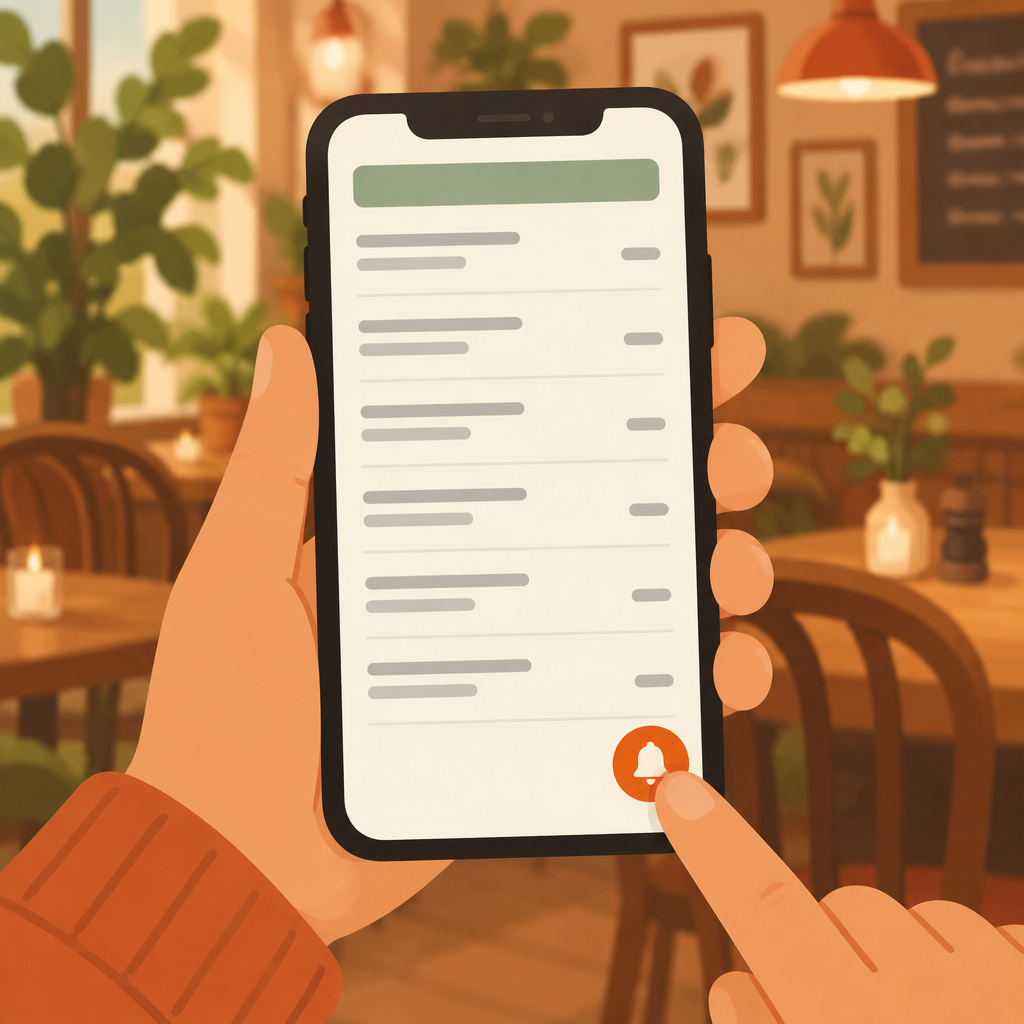
Tap
Guests tap Service please on the menu page when they need a waiter.

Serve
Your team sees the table request and can respond at the right moment.
From trying to catch their eye to a clear table request

Before MenuPool
Waiters can't always see when someone is ready to order. And guests don't want to keep looking up, hoping to catch someone's eye. Another round can be missed before anyone notices.
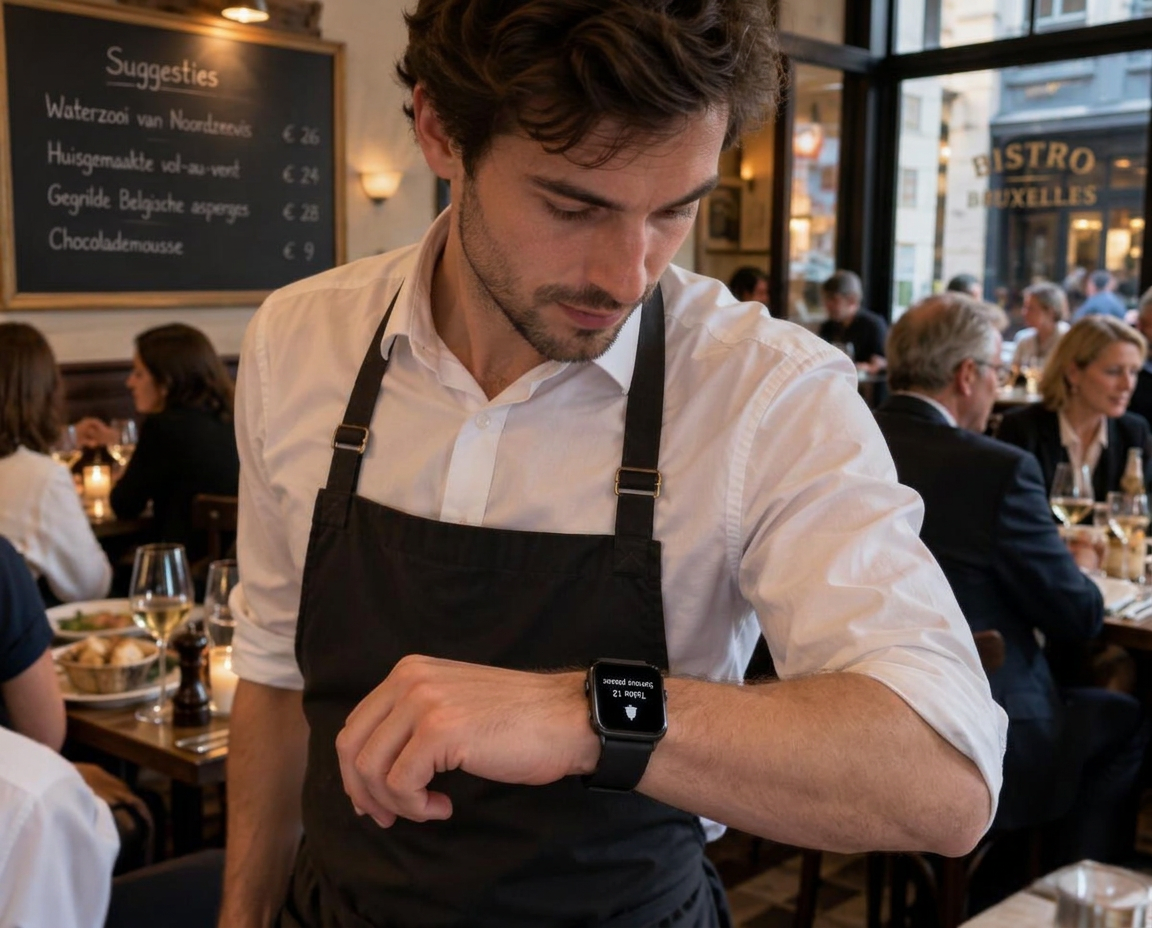
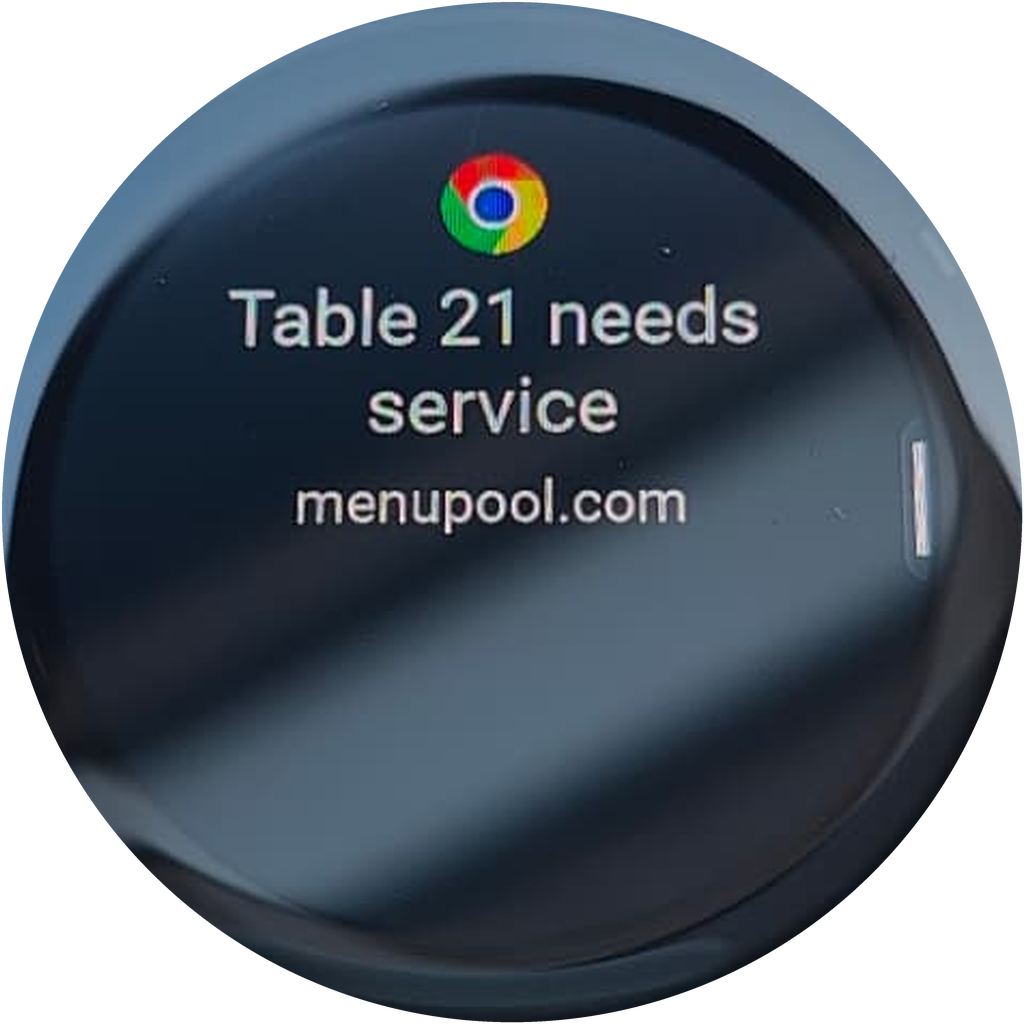
With MenuPool
A table request reaches the team, with a notification mirrored to a compatible smartwatch.
Example notification: Table 12 — Service please
Table 22 needs service
Live demo
Try it yourself in a demo
Enter the URL of your existing online menu and see how MenuPool would work with your restaurant.
No account needed.
One tap away
Extra orders, right on time
When guests can reach you with a single tap, asking for another round, a side, dessert or coffee feels natural. Your team gets a clear signal and goes to the table at the right moment, so more of those moments turn into an order.
When guests request service to settle up, staff bring the bill faster. Guests leave sooner, the table frees up for the next guests, and you serve more people during the same service.
Simple pricing
Your first month is free. After that, you only pay when it works.
No charge in your first month. After that, the number of table requests determines whether you pay that month.
First month
Free
Every request included during your first month.
0–10 requests
Free
No charge when a month has 10 or fewer table requests.
10+ requests
€19 / month
You only pay for months with more than 10 table requests.
More control
See what happens at every table
Pause service anytime
Switch the service button off or on in business settings whenever you need to.
Follow requests over time
See how requests arrive per day and how many each team member accepts and completes — charted per day and per team member. Review those numbers alongside demand and response times to understand how your team is doing.
Questions
Frequently asked questions
Do my guests need to install an app?
No. Guests scan the QR code on the table, your menu opens in their browser, and the service button is right there. No app, no account.
Does MenuPool replace my online menu?
No. MenuPool adds one service button over your existing online menu. Your menu stays exactly as it is.
What does MenuPool cost?
Your first month is free. After that, you only pay €19 for months with more than 10 table requests. Quiet months are free.
How does my team receive requests?
Your team opens MenuPool in the browser — nothing to install. Requests appear in the shared staff view, and a notification can be mirrored to a compatible smartwatch so your team sees them immediately.
Can guests order or pay through MenuPool?
No. Guests order and pay directly with your team, just as they do today. MenuPool only carries the service request.
From the journal
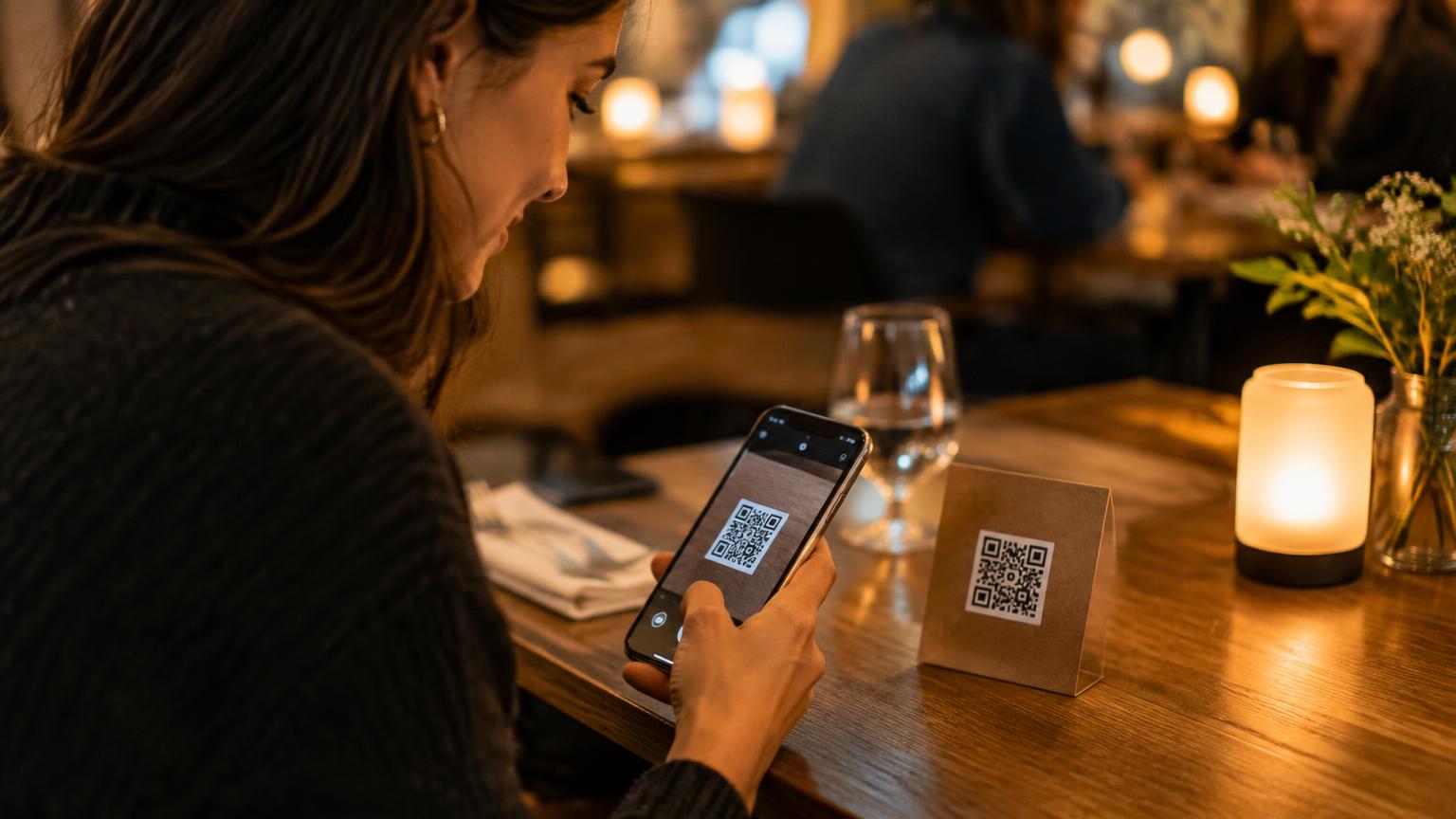
How to add table service to your existing QR menu
A practical guide to adding a service request button to the existing online menu of your restaurant, bar or café without replacing it.
Read article
How timely table service creates natural upsell opportunities
Why an easy way to call staff can create moments to recommend a second drink, dessert or coffee without pressuring guests.
Read article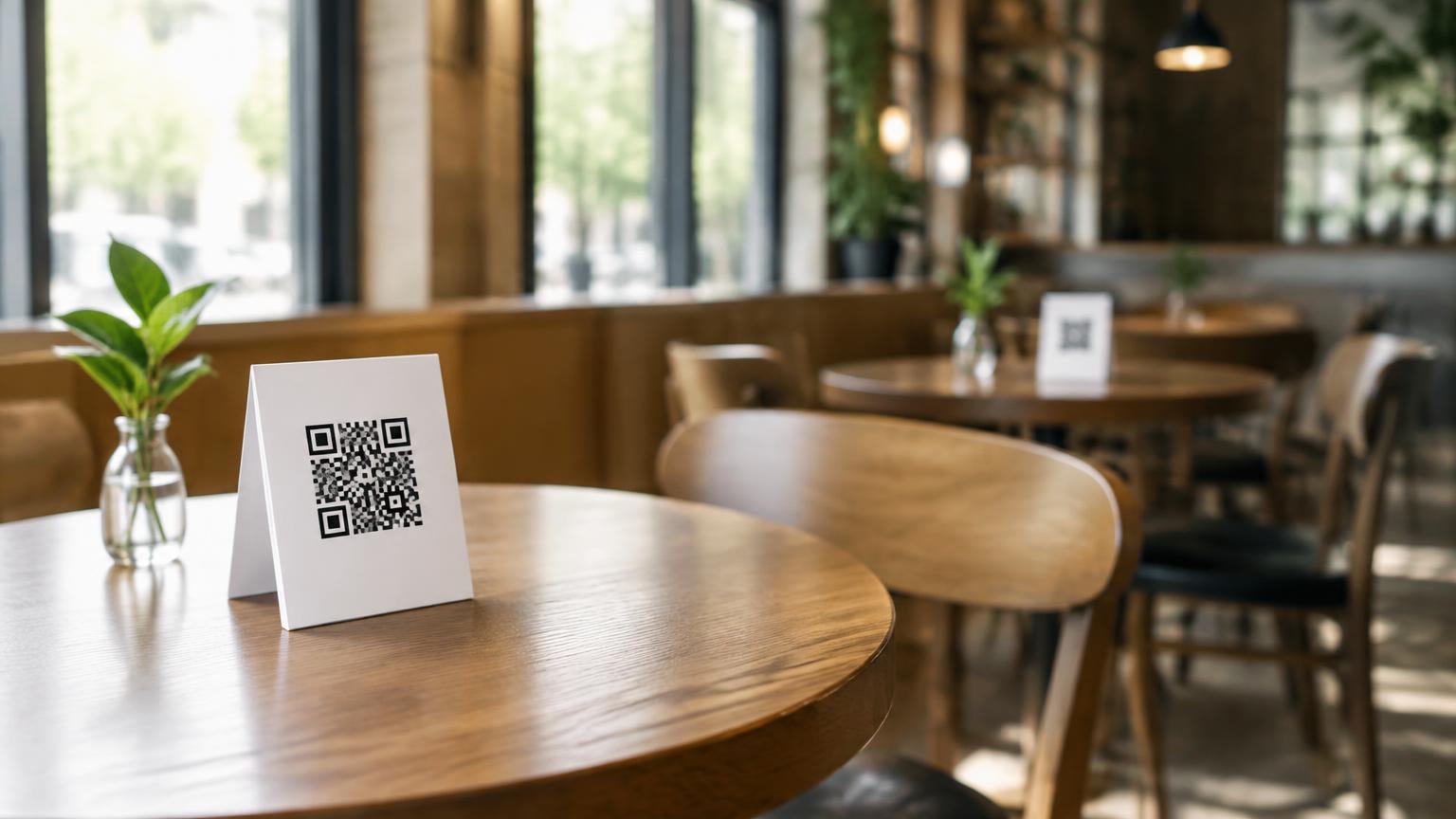
Creating a QR code menu for your business: how to do it
From online menu to QR code on the table: what you need, what to watch out for and how to add table service right away.
Read article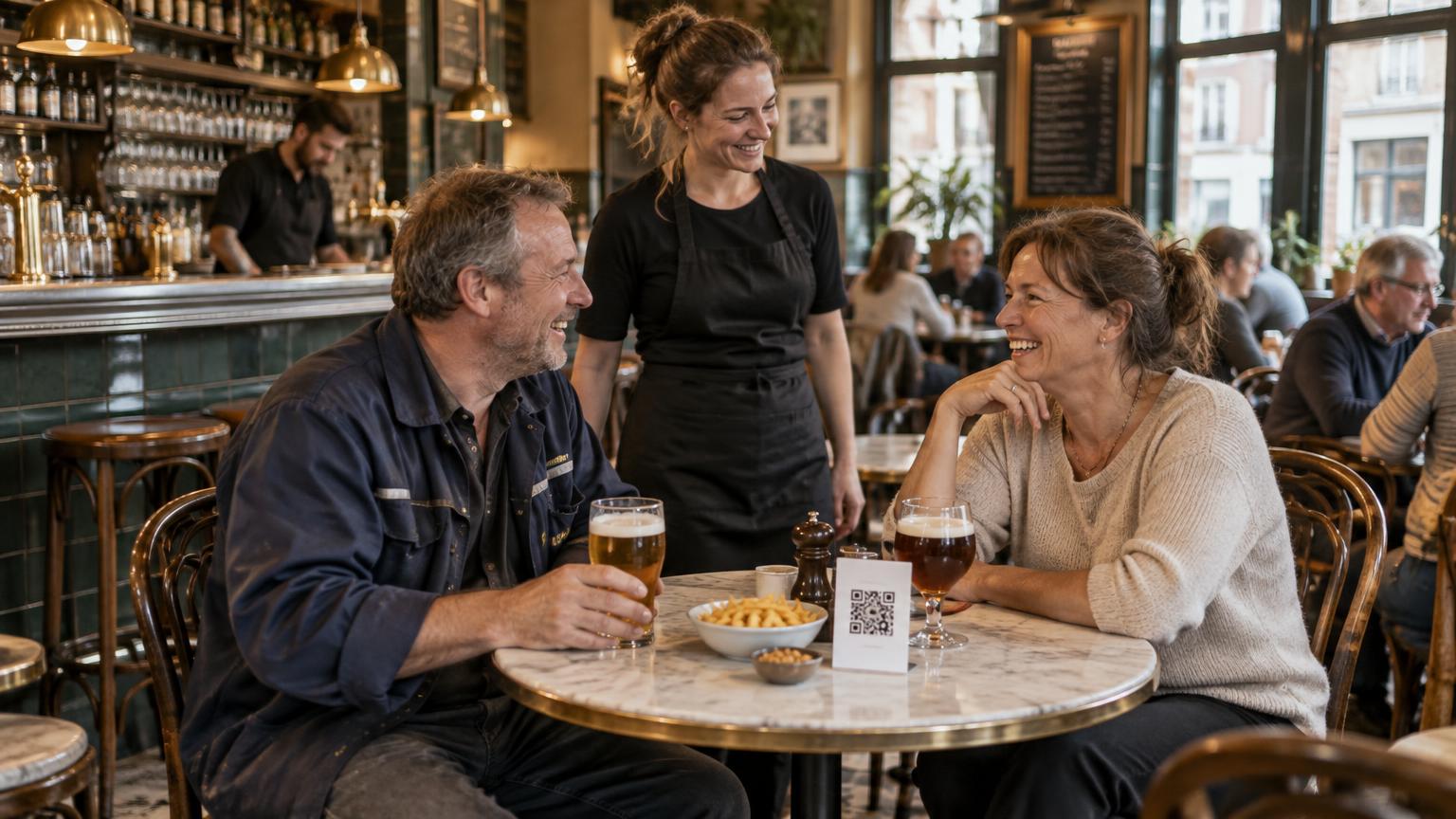
QR ordering system or service button: which fits your business?
QR ordering systems take over orders and payments. A service button deliberately does not. The differences at a glance, so you choose the right hospitality software.
Read article