
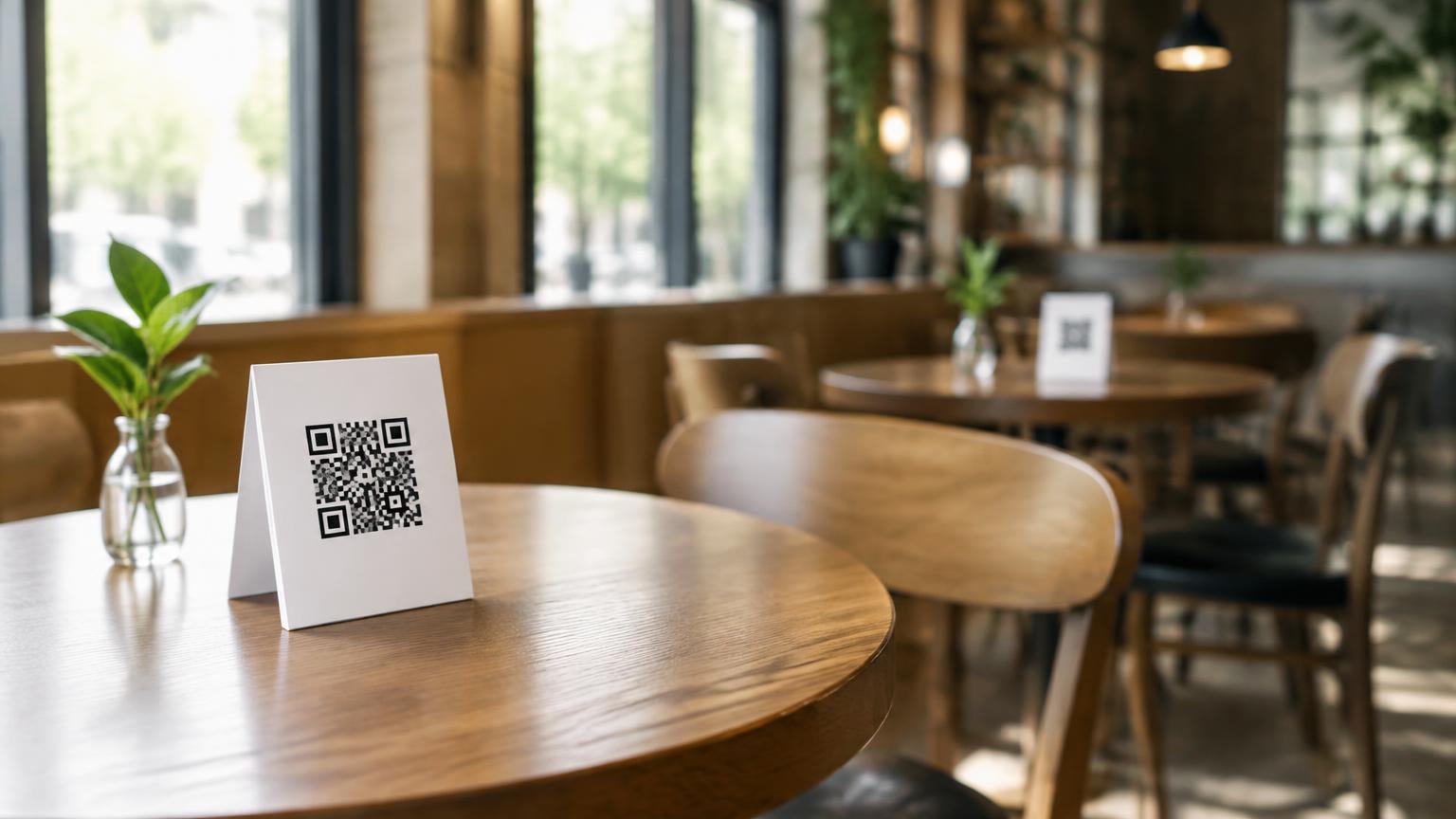
Start with your online menu
The QR code opens a web page with your menu. If you do not have one yet, there are two routes: put a PDF of your menu online, or use a menu tool that shows your menu as a web page. Choose what fits how often your menu changes.
If your menu changes often, an editable online menu is more practical than a PDF: you update the page and all QR codes keep working, because they point to the same link.
Create a QR code per table
Do not make one QR code for the whole venue, but a unique code per table. That way your team knows which table each request comes from, without the guest typing anything.
Print the codes on sturdy table cards and test them all with an ordinary phone camera before placing them. Also check that each code shows the right table.
Think about the service around it
A menu alone solves half of it. The guest can browse, but still needs to reach someone to order. With MenuPool you add a service button to your existing menu: the guest taps, and your team sees on their screen or smartwatch which table needs service.
Ordering and paying stay with your team, as you are used to. The QR code changes nothing about how you work; it only makes it easier for the guest to reach you.