
Keep the menu you already have
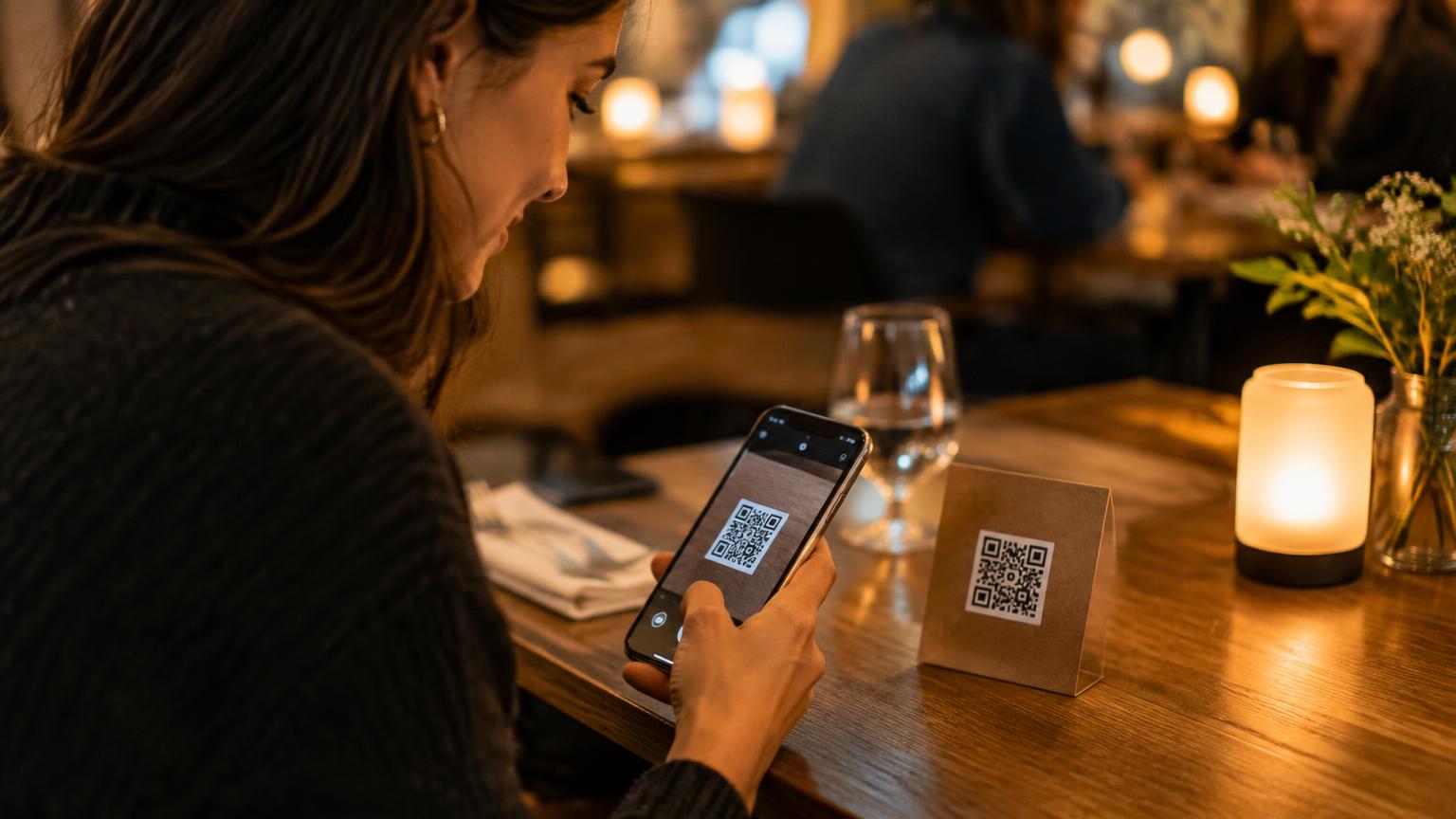
If your restaurant, bar or café already has an online menu, keep its URL. Create a unique QR code for each table that opens that menu through a service page. Guests still see the familiar menu; the service button remains available alongside it.
Some menu providers prevent their websites from appearing inside another page. In that case, offer a clear link to open the menu in a separate tab and keep the service request page open. Check embedding before printing table cards.
One button is enough
One clear choice is enough: Service please. Avoid making guests install an app, create an account or explain their request in a form. The table number comes from the QR code, so staff know where to go.
A brief confirmation tells guests their request was sent. A short cooldown helps prevent accidental repeated taps.
From the table to your team
Send each table request to the team's shared service view. Staff should be able to accept it and mark it completed so colleagues know it is handled. A notification can be mirrored from a compatible device to a smartwatch, subject to device settings.
Test the full journey at a real table: scan the code, open the menu, request service, verify delivery, accept the request and complete it. Repeat on a mobile device before placing codes across the venue.